Live system monitor
Check CPU, memory, network transfer rates, and the last 60 seconds of activity.
 Ellie Sentry
A little sentry for your Mac
Long downloads. Late-night renders. Presentations.
Ellie, a little dog in a helmet, stands guard
right in your Mac’s menu bar.
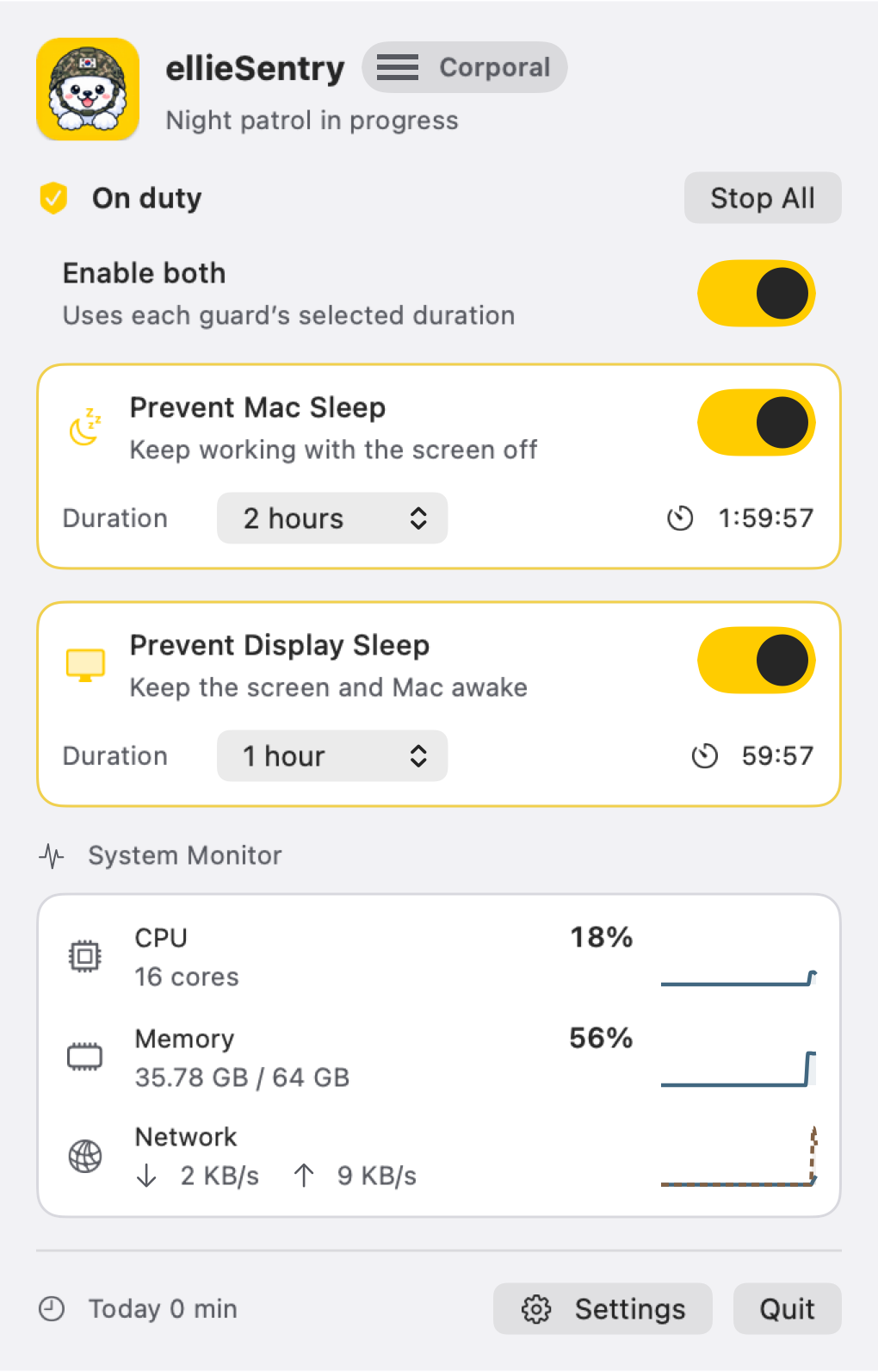
01 / ON DUTY
Control your Mac and display separately, or switch on both. Choose a duration and Ellie will finish the shift on time.
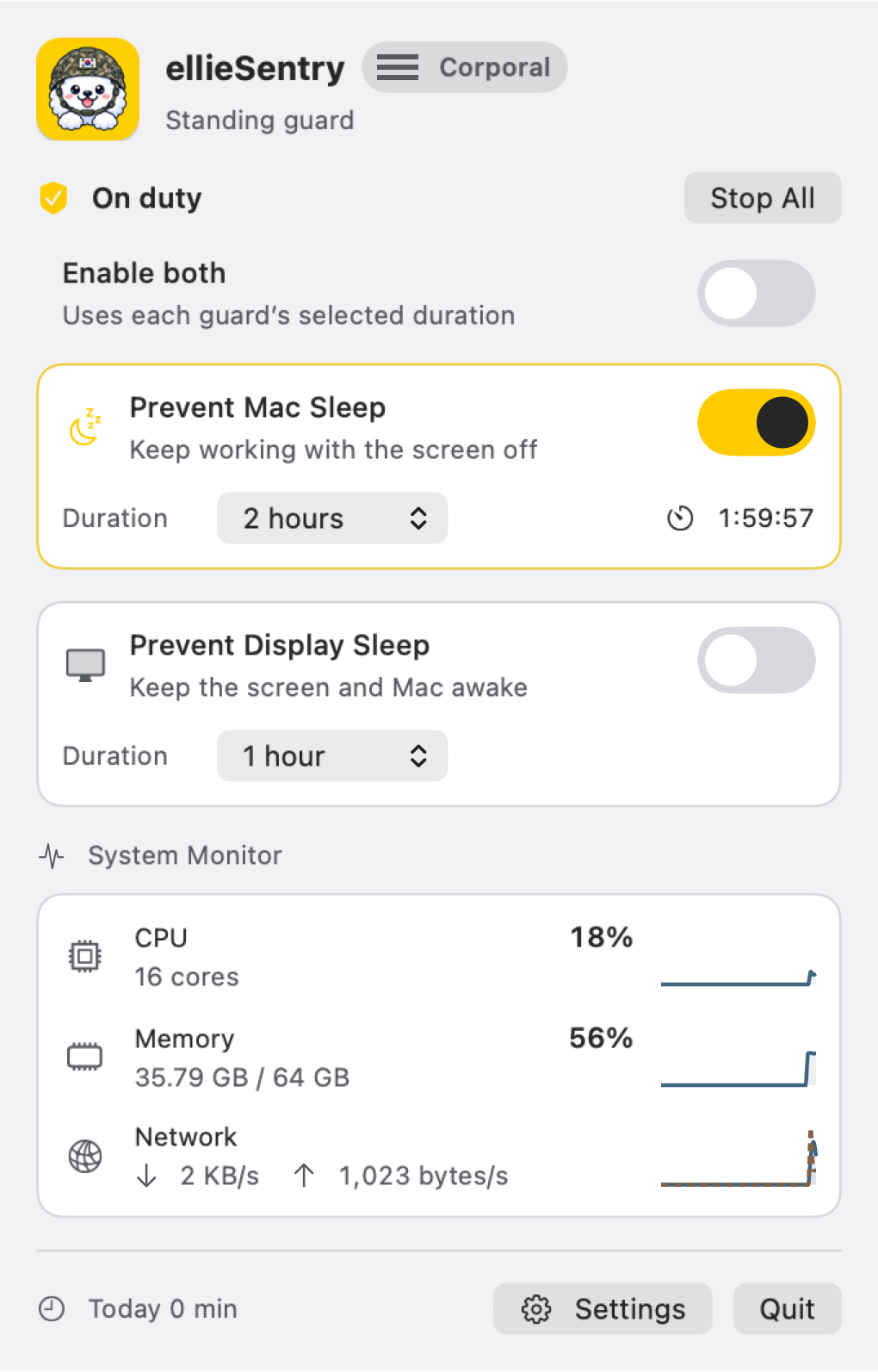
YOUR MAC. YOUR CALL.
Keep only your Mac awake for downloads and renders. When you’re presenting or reading reference material, keep the display on too.
Use “Enable both” to prevent system and display sleep together. Each guard uses its own selected duration, while an existing manual timer keeps running.
Preventing sleep with a closed laptop lid is not supported.
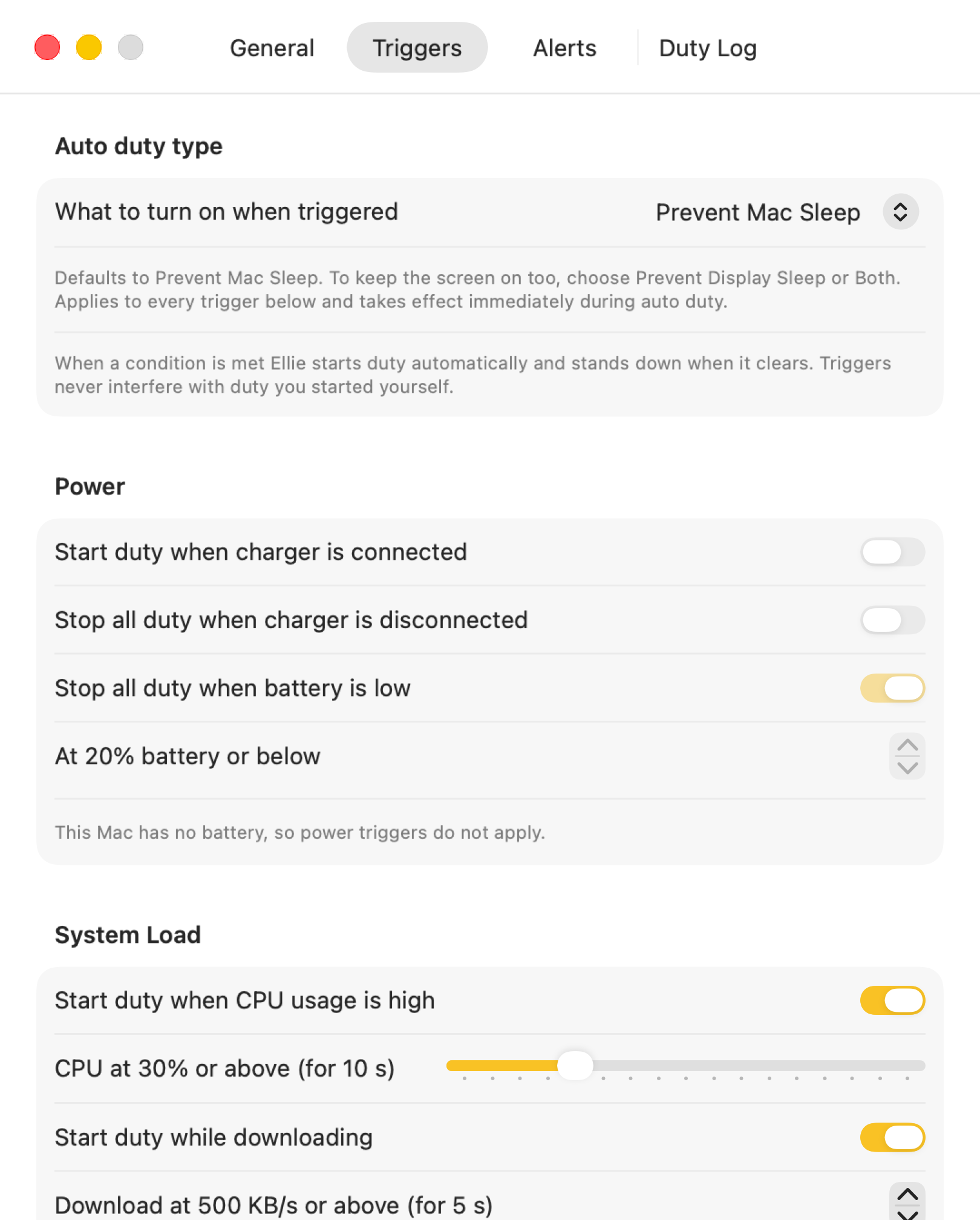
02 / AUTOMATIC DUTY
Start a shift automatically based on CPU usage, downloads, or selected running apps. On a MacBook, power and battery status can also be used as conditions.
A shift you start manually takes priority over automatic conditions.
Check CPU, memory, network transfer rates, and the last 60 seconds of activity.
Choose 15 minutes to 8 hours, a custom duration, or unlimited duty. Sleep prevention ends when the timer does.
Start a shift with a global keyboard shortcut, the menu bar quick toggle, or Shortcuts.
Get expiry reminders and choose to end all shifts when you lock your screen.
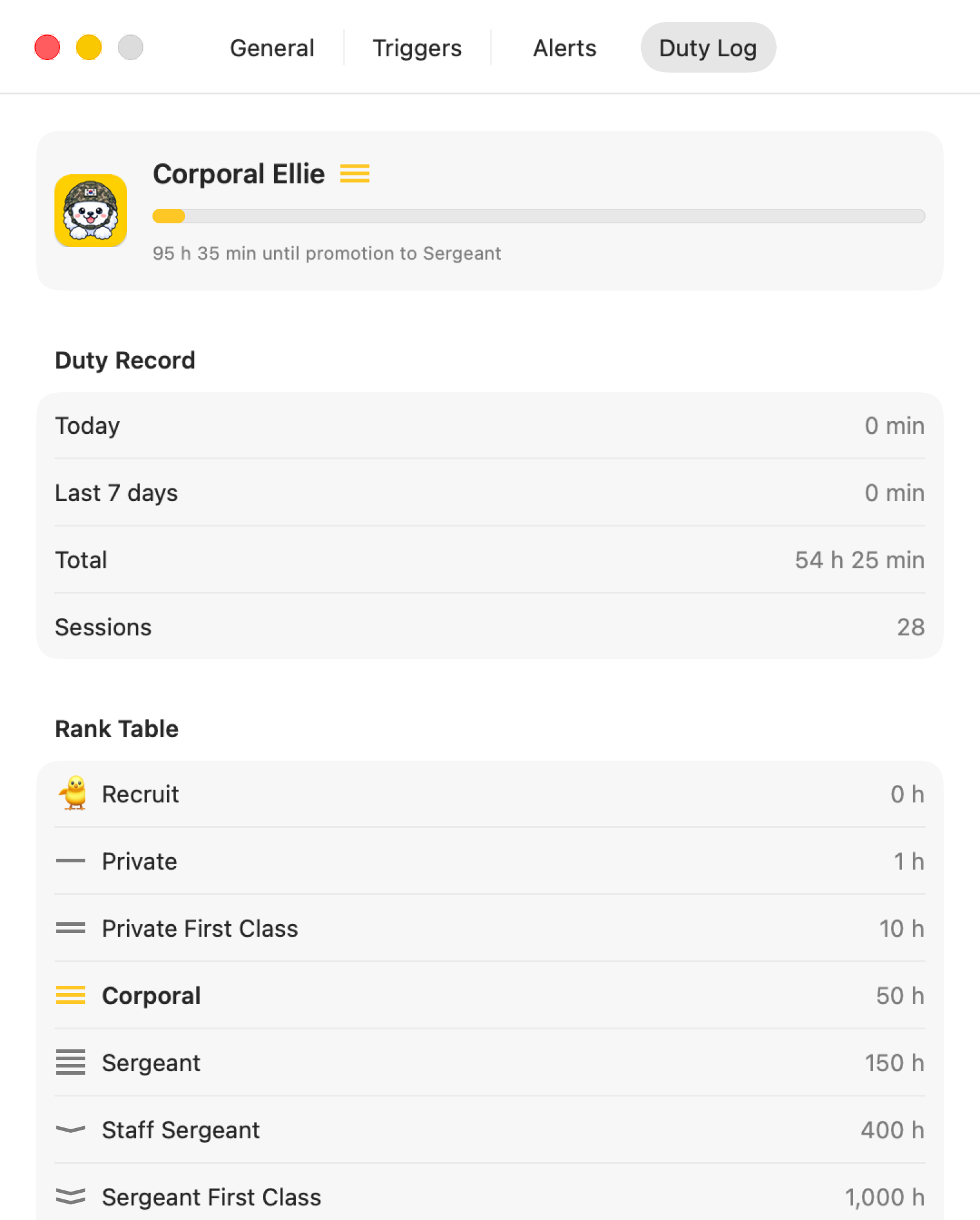
03 / A GROWING COMPANION
See today, the past seven days, and your total duty time in one place. Ellie starts as a little recruit and works up to Captain as the hours add up.
Duty records stay on your Mac. Reset them whenever you like.
Yes. On macOS, preventing display sleep also prevents system sleep. The combined switch turns both controls in the menu on or off.
Preventing closed-lid sleep is not supported. Separate macOS behavior, such as operation with an external display, follows your system configuration.
Sleep prevention itself does not need Accessibility permission. The optional mouse movement feature needs Accessibility, and duty notifications need notification permission.
macOS 14 Sonoma or later is required. Automatic power and battery conditions are available on Macs with a battery.
Let your Mac work. Let Ellie stand guard.
Coming to the Mac App Store